
No more version confusion
Automatic version tracking ensures everyone is on the same page, allowing you to see who has accessed the most recent drawings.
Mark up drawings from the field or office
Easily annotate drawings and notes from your computer or mobile device.
Stop carrying around stacks of paper
Upload and publish any set of PDF plans to reduce paper on the jobsite.
Access files in real-time
Easily add and access digital documents like manuals and submittals immediately.
See what HCSS can do for you
Schedule a demo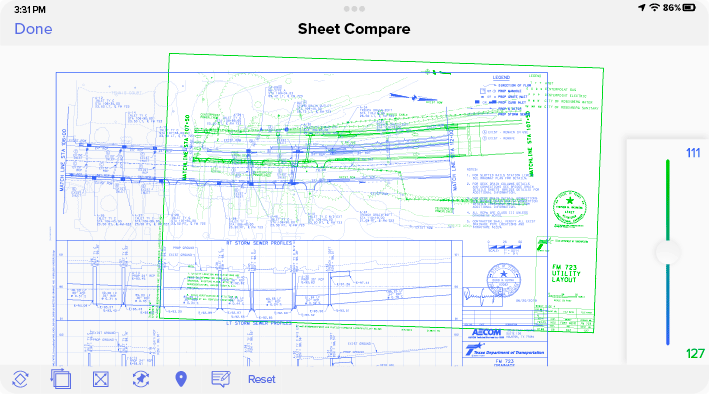
Ask our customers why they trust HeavyJob to see real-time project drawings




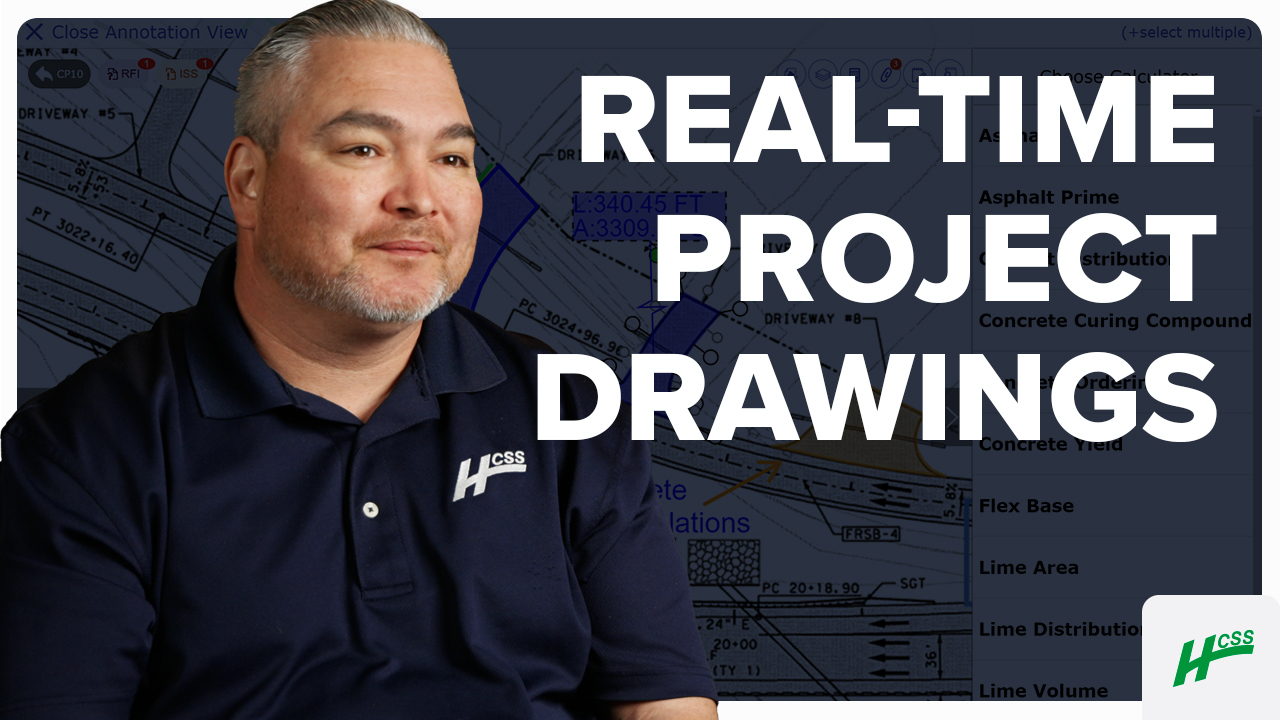
If there’s a new update to a drawing, it could be uploaded, and it’s literally in the fingertips of the foremen out in the field immediately.
- David Ristedt, Preston Companies

I remember when we had paper, and we had to go into the main office of the jobsite and take a look at the plans. Now, everything is at my fingertips.
- Chris Goncz, DXI Construction
91%
of Docs & Plans customers reduce rework
5
hours/month reduced travel time per PM
4.6/5
Apple App Store average rating
Build right the first time, every time
Step 1
Share your business headaches
After submitting a demo request form, an HCSS expert will follow up with you by the end of the next business day to discuss your business needs and requirements.
Step 2
See HCSS in action
Then, we’ll walk you through a demo tailored to specific HCSS solutions that can help solve your current business problems.
Step 3
Get up and running in days
Finally, you’ll be assigned a dedicated implementation specialist who will manage your implementation from start to finish and ensure project completion.
Frequently asked questions
What is drawing management software in construction?
Drawing management software is a centralized digital platform designed to organize, distribute, and track every version of a project’s blueprints and technical drawings. In heavy civil construction, where risk management involves projects with thousands of sheets, even a single day spent building off an outdated revision can result in six-figure rework costs. Drawing management software ensures that the latest design intent is instantly accessible to everyone from the office engineer to the foreman in the field.
How is drawing management software different from using shared folders or cloud storage?
Generic cloud storage like Dropbox or Google Drive lacks the “construction intelligence” required for complex jobsites. Unlike shared folders, HCSS provides automated sheet versioning, with new revisions automatically stacked on top of older ones, maintaining a clear audit trail. Furthermore, while generic apps often lag when loading massive PDF sets, HCSS software is optimized for mobile performance, allowing field crews to flip through thousands of high-resolution sheets.
What types of drawings can be managed with HCSS’s drawing management tools?
HeavyJob Docs & Plans is engineered to handle the large, complex plan sets common in infrastructure and heavy civil projects. Our tools manage everything from standard architectural layouts to high-detail engineering files, including DOT specifications, site clearing plans, and structural steel details. Whether your project has 50 sheets or 5,000, Docs & Plans maintains lightning-fast searchability and organization, ensuring that even the most complex infrastructure files are never more than a few taps away.
How does HCSS prevent the use of outdated blueprints and drawings in the field?
HCSS eliminates the risk of superseded drawing errors through automatic version syncing. When the office uploads a revised sheet, it is immediately pushed to every mobile device in the field. The software automatically archives the previous version and applies a clear “VOID” or “Superseded” watermark, while the new sheet becomes the default view. This “error-proofing” ensures that the crew is always building from the current set of plans, protecting your project from costly rework and schedule delays.
How can field crews access and use drawings on the jobsite?
Crews access their drawings via tablets using the HeavyJob Docs & Plans app. Recognizing that many heavy civil projects are in remote locations, the software includes a robust offline mode. Foremen can download entire plan sets to their devices while on a stable connection; once they are in a tunnel or on a remote highway with zero cell service, the plans remain fully accessible for viewing and markup.
Does HCSS support specialized drawings like cross-sections and utility profiles?
Yes. Unlike general building apps, HCSS is optimized for the horizontal construction world. We provide full support for specialized engineering layouts such as alignment profiles, roadway cross-sections, and complex underground utility maps. Our software allows users to navigate these linear projects easily, providing the specific context that highway, bridge, and utility contractors need to execute their work.
Didn’t get all of your questions answered?
Request info