

Deliver accurate and fast as-builts
Quickly create as-builts, including the export of documents, drawings, and photos to keep all project stakeholders aligned.
Smart revision control
Overlay new and old versions of plan documents to identify design changes immediately.
Export as PDF files
Export your plans as PDFs, with each markup kept as a layer in the new as-built PDF file.
Collaborate with the field
Export a comprehensive drawing set of what was built with your operations and maintenance teams so they always know what was built.
See what HCSS can do for you
Schedule a demo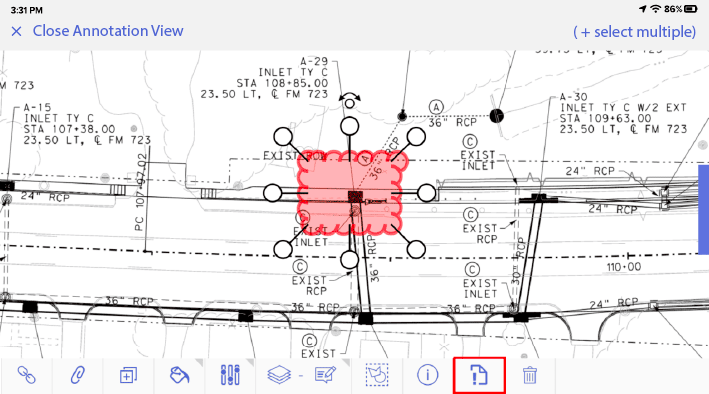
Ask our customers why they trust HeavyJob to deliver accurate and fast as-builts






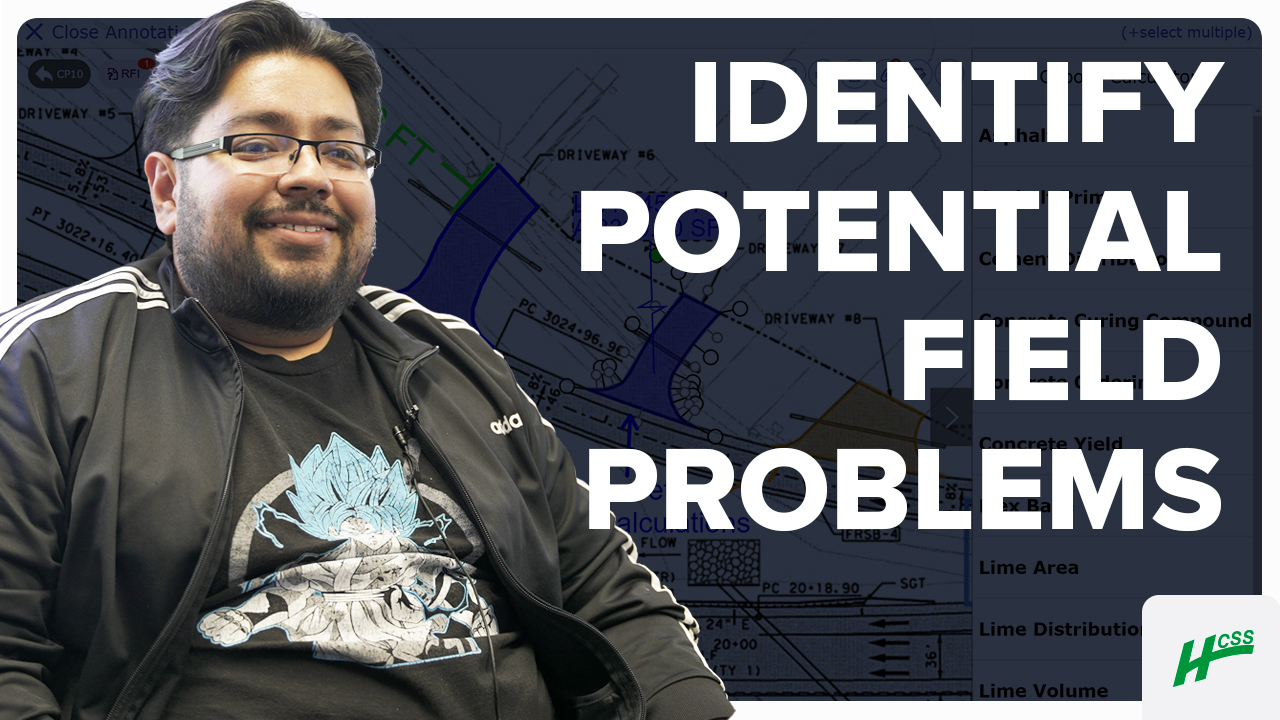
We get to see as-builts, what still needs to get done, so all of this has helped us tremendously.
- Jorge Campos, Diamond Materials
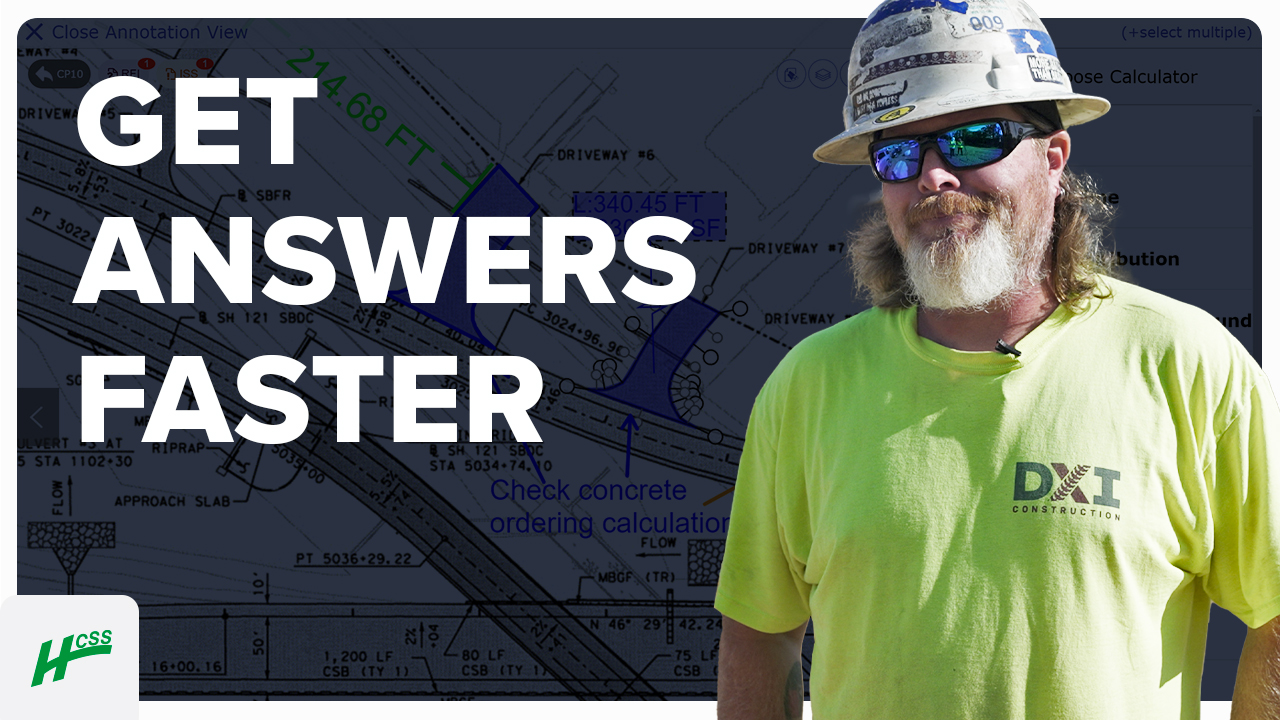
I remember when we had paper, and we had to go into the main office of the jobsite and take a look at the plans. Now, everything is at my fingertips.
- Chris Goncz, DXI Construction
91%
of Docs & Plans customers reduce rework
5
hours/month reduced travel time per PM
4.6/5
Apple App Store average rating
Always-on support.
Always human.
- Guided implementation to get your team up and running faster.
- Award-winning 24/7/365 support from our Sugar Land, TX office.
- Dedicated Customer Success rep to guide you beyond go-live.
- Ongoing training through HCSS Academy and HCSS community.
Build right the first time, every time
Step 1
Share your business headaches
After submitting a demo request form, an HCSS expert will follow up with you by the end of the next business day to discuss your business needs and requirements.
Step 2
See HCSS in action
Then, we’ll walk you through a demo tailored to specific HCSS solutions that can help solve your current business problems.
Step 3
Get up and running in days
Finally, you’ll be assigned a dedicated implementation specialist who will manage your implementation from start to finish and ensure project completion.
Frequently asked questions
What is as-built software in construction?
As-built software is a digital solution used to document the actual state of a project as it is constructed, capturing any deviations from the original design plans. In heavy civil and infrastructure work, initial plans rarely account for every underground utility or site condition encountered. As-built software allows contractors to record the precise location, materials, and dimensions of what was actually installed, creating a permanent, accurate record that is essential for owner handover, future maintenance, and legal compliance.
How do field crews create and update as-builts?
With HCSS, as-builts are created at the moment, not at the end of the month. Field crews use tablets to drop GPS-stamped markers, attach photos, and draw annotations directly onto digital plan sheets as the work is performed. This real-time data capture ensures that details like the exact depth of a buried utility are recorded while the trench is still open. By integrating documentation into the daily workflow, HCSS eliminates the frantic catch-up work typically required during project closeout.
How is as-built software different from redlines or marked-up plans?
Traditional paper redlines are often messy, difficult to read, and easily lost between the field and the office. Digital as-built software offers superior legibility and organization. Every update is time-stamped and linked to a specific user, creating a searchable history of changes. Unlike paper plans, digital as-builts are geographically aware; HCSS allows you to GPS-tag specific installations, ensuring that “marked-up” locations are accurate rather than a best-guess sketch on a piece of paper.
What types of as-built documents can be managed?
HCSS as-built software is designed to handle the diverse documentation needs of complex infrastructure projects. This includes:
- Plan Annotations: Digital redlines for structural changes or grade adjustments.
- Utility Mapping: Precise GPS coordinates for relocated or newly installed pipelines and conduits.
- Photo Documentation: High-resolution, location-tagged images of rebar, foundations, or concealed work.
- Material Logs: Verification of the specific materials used (e.g., asphalt mix types or pipe classes) at specific stations.
How does as-built software help reduce rework and disputes?
Accurate as-built software serves as your ultimate risk mitigation tool. By providing a verified source of truth, it prevents disputes with owners regarding whether work was performed to specification. Furthermore, it prevents future rework and costly excavation errors; when a follow-up crew or a future contractor knows exactly where a line is buried because of your digital as-built, the risk of accidental utility strikes is virtually eliminated.
How does as-built software support collaboration between the field and office?
Digital as-builts synchronize data instantly between the jobsite and the trailer. When a foreman marks a field adjustment in Plans, the office engineer can see that update immediately. This eliminates the need for physical plan sets to be driven back and forth and allows the office to verify changes or address “clash” issues in real-time, ensuring that the design team and the construction team are always in sync.
How do as-built drawings fit into HeavyJob Docs & Plans?
As-built documentation is a seamless extension of the HeavyJob ecosystem. Instead of using a separate, siloed app, your as-built data flows naturally into your daily reports and project history. When a foreman captures an as-built photo or note, it can be automatically attached to the daily diary in HeavyJob. This creates a comprehensive project narrative where your labor, equipment, and production data are linked directly to the physical record of what was built, requiring no redundant data entry.
Didn’t get all of your questions answered?
Request info