

Avoid conflicts in the construction area
The sheet overlay feature in the construction blueprint app allows users to stack related plan sheets to verify there are no conflicts in the area before each stage of work.
Easily export as-builts
At the end of the project, quickly export your as-built drawings.
See what HCSS can do for you
Schedule a demo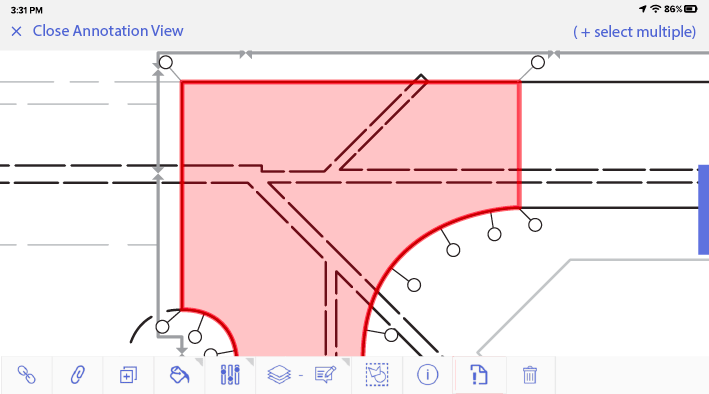
Ask our customers why they trust HeavyJob for blueprint management







I remember when we had paper, and we had to go into the main office of the jobsite and take a look at the plans. Now, everything is at my fingertips.
- Chris Goncz, DXI Construction
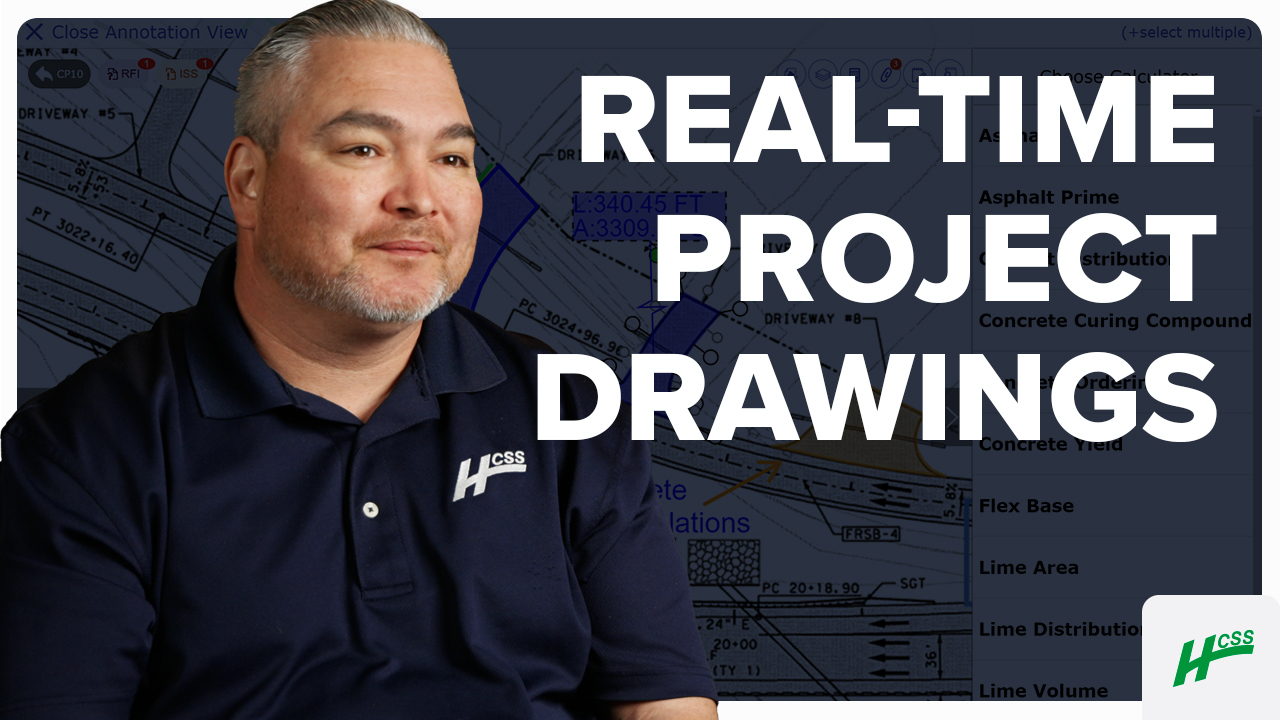
If there’s a new update to a drawing, it could be uploaded, and it’s literally in the fingertips of the foremen out in the field immediately.
- David Ristedt, Preston Companies
91%
of Docs & Plans customers reduce rework
5
hours/month reduced travel time per PM
4.6/5
Apple App Store average rating
Always-on support.
Always human.
- Guided implementation to get your team up and running faster.
- Award-winning 24/7/365 support from our Sugar Land, TX office.
- Dedicated Customer Success rep to guide you beyond go-live.
- Ongoing training through HCSS Academy and HCSS community.
Build right the first time, every time
Step 1
Share your business headaches
After submitting a demo request form, an HCSS expert will follow up with you by the end of the next business day to discuss your business needs and requirements.
Step 2
See HCSS in action
Then, we’ll walk you through a demo tailored to specific HCSS solutions that can help solve your current business problems.
Step 3
Get up and running in days
Finally, you’ll be assigned a dedicated implementation specialist who will manage your implementation from start to finish and ensure project completion.
Frequently asked questions
What is a field blueprint app used for in construction?
A field blueprint app serves as a mobile-first digital plan room, allowing construction crews to access, view, and manage project drawings directly from a tablet. In the heavy civil industry, where project sites can span miles, it puts the entire plan set, including thousands of sheets, into the palm of a foreman’s hand. This eliminates the need for constant trips back to the office trailer, ensuring that the most critical project data is always available exactly where the work is happening.
How much time can crews save by accessing plans on a tablet versus a physical plan set?
Crews using a field blueprint app can save hours of administrative time every week. Instead of manually sorting through bulky paper rolls or driving to a trailer to find a specific detail, foremen can use digital search and hyperlinked callouts to jump between sheets in seconds. By digitizing the plan room, HCSS allows Project Managers to spend more time managing their crews and less time searching for information.
Can field crews mark up and annotate blueprints directly from the jobsite?
Yes. HCSS is built for active field-to-office communication, enabling foremen to create digital redlines and annotations in real-time. Whether it’s marking a found utility or documenting a field adjustment, crews can use their fingers or a stylus to draw, add text, or attach GPS-tagged photos directly to the blueprint. This ensures that site realities are documented as they occur, providing a highly accurate record that simplifies the eventual as-built process.
How does a field blueprint app ensure crews are never building off old plans?
One of the highest risks in construction is building off superseded drawings. HCSS eliminates this risk through automatic version control and instant revision alerts. When a new sheet is uploaded in the office, it is automatically pushed to every mobile device in the field. The app “slip-sheets” the new version over the old one, watermarking the outdated sheet while maintaining the history of the previous revisions. This ensures that the entire team is always building from the current plan set.
Does the app provide offline access to blueprints in remote locations?
Offline access is for heavy civil and infrastructure projects. HCSS allows crews to download entire plan sets and documents to their devices while they have a connection. Once on-site, the app remains fully functional in “offline mode,” allowing users to view plans, make markups, and take photos even in tunnels, remote highways, or areas with zero cellular service. All updates are saved locally and sync automatically the moment the device regains a connection.
What types of heavy civil blueprints can be viewed in the app?
HCSS is engineered to handle the massive, complex files common in infrastructure work. The app supports a wide variety of specialized blueprints, including:
- Alignment Profiles: For highway and rail projects.
- Cross-Sections: Detailed views of earthwork and structural layers.
- Utility Layouts: Complex underground mapping for power, water, and fiber.
- Large-Scale Plan Sets: Seamlessly navigating thousands of sheets without performance lag.
How do field updates to blueprints sync back to the office?
HCSS creates a continuous data loop between the jobsite and the trailer. When a foreman makes a markup or attaches a note in the field, those updates are synced to the cloud. Office engineers and project managers can see these changes instantly on their desktops via HeavyJob Docs & Plans. This real-time synchronization ensures that the office always has an accurate view of field conditions, allowing for faster RFI resolutions and more collaborative decision-making.
Didn’t get all of your questions answered?
Request info