

Improved project controls
Pin RFIs, issues, dig permits, and submittals directly onto plan sheets to quickly reference relevant info.
Easily access documents from the field
Authorized team members can quickly view, upload, and download project documents from anywhere at any time.
Secure documentation storage
Safely capture, manage, and protect project-critical documents with our cloud-based document management system.
Cloud integration with other tools
Document management software that easily integrates with leading cloud-based file-sharing tools like Box, Dropbox, Google Drive, and more.
See what HCSS can do for you
Schedule a demo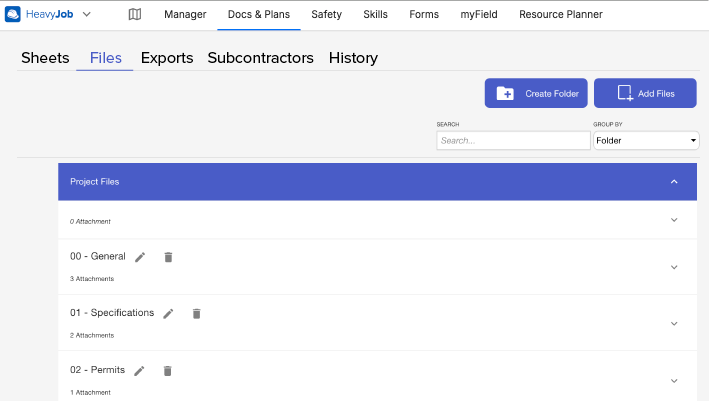
Ask our customers why they trust HeavyJob for document management






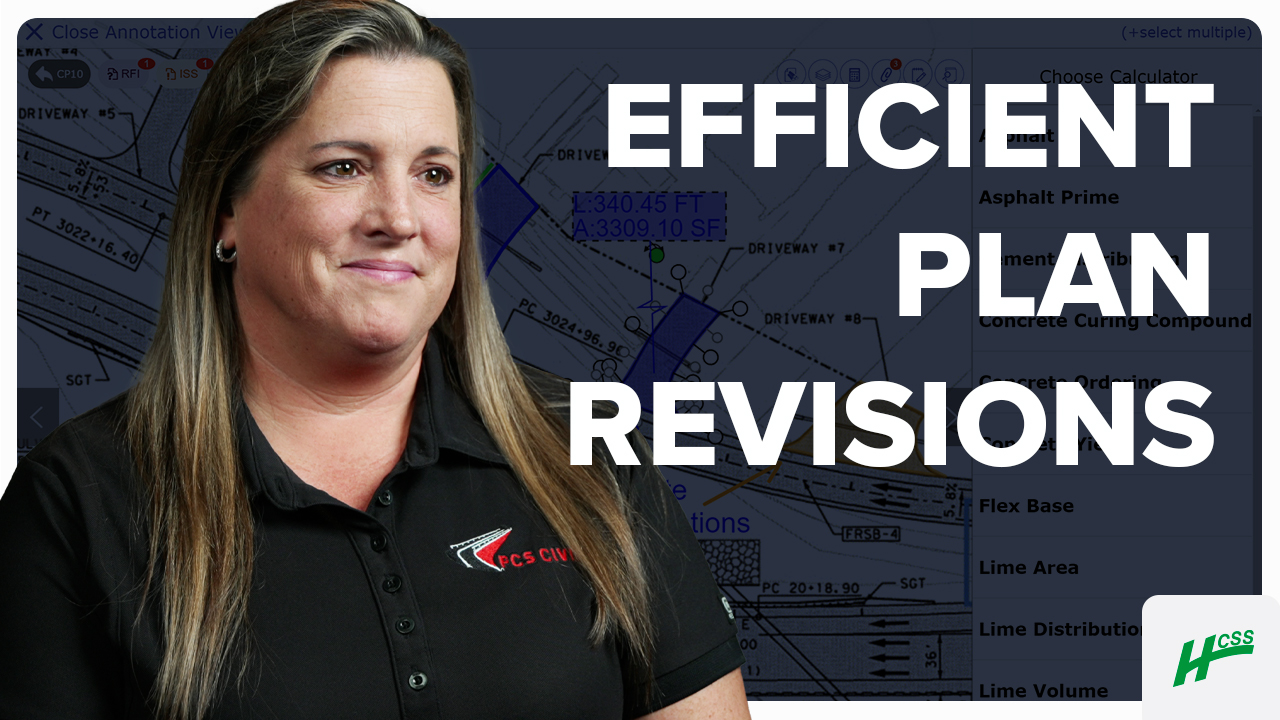
Before HCSS, we were doing everything manually with books. Now, we’re more efficient with a great program.
- Trish Sevigny, PCS Civil, Inc.
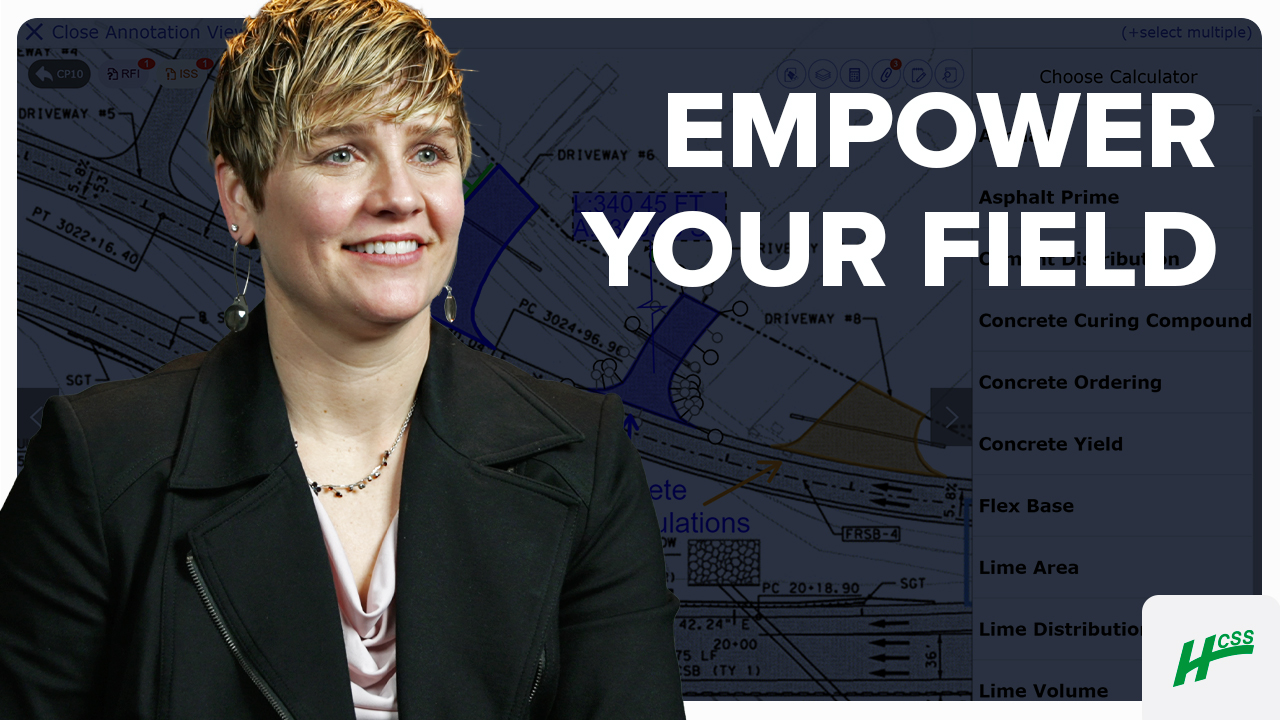
Just the layers location feature alone – this tool really is empowering people.
- Julia Salgueiro, Preston Companies
91%
of Docs & Plans customers reduce rework
5
hours/month reduced travel time per PM
4.6/5
Apple App Store average rating
Always-on support.
Always human.
- Guided implementation to get your team up and running faster.
- Award-winning 24/7/365 support from our Sugar Land, TX office.
- Dedicated Customer Success rep to guide you beyond go-live.
- Ongoing training through HCSS Academy and HCSS community.
Build right the first time, every time
Step 1
Share your business headaches
After submitting a demo request form, an HCSS expert will follow up with you by the end of the next business day to discuss your business needs and requirements.
Step 2
See HCSS in action
Then, we’ll walk you through a demo tailored to specific HCSS solutions that can help solve your current business problems.
Step 3
Get up and running in days
Finally, you’ll be assigned a dedicated implementation specialist who will manage your implementation from start to finish and ensure project completion.
Frequently asked questions
What is construction document software?
Construction document software is a specialized digital ecosystem designed to store, organize, and manage the massive volume of data generated during a project’s lifecycle from initial bids to final closeout. For heavy civil contractors it is a mission-critical tool that centralizes permits, contracts, DOT specifications, RFIs, and submittals, ensuring they are instantly accessible to both the field and the office.
What are the primary benefits of construction document management?
The benefit of professional-grade construction document management is the creation of a "single source of truth" that bridges the gap between the field and the office. By digitizing workflows, this real-time accessibility has helped HCSS customers significantly reduce rework and ensure that project controls remain tight from groundbreaking to closeout.
How does HCSS software help organize large-scale project documentation?
Heavy civil projects generate a massive volume of data—ranging from complex DOT specifications and environmental permits to daily safety logs and submittals. HCSS organizes this data and is specifically engineered for the scale of infrastructure work. Instead of generic folders, documents are organized using project-specific metadata, allowing users to find critical information in seconds. This prevents project managers from becoming overwhelmed by volume and ensures that every permit and contract is exactly where it needs to be.
How do field and office teams access documents in remote or offline environments?
In the heavy civil world, you will often be working in areas with zero cell service. HCSS addresses this pain point with robust offline access and disconnected mode capabilities. Field crews can download entire document sets, plan sheets, and safety manuals to their mobile devices while at the office or trailer. Any markups or notes made in the field are saved locally and automatically sync with the office the moment the device regains a connection, ensuring that remote locations never hinder project momentum.
How does digital document management reduce project risk and errors?
Digital document management shifts the focus from simple organization to proactive risk mitigation. The version control feature allows users to ensure everyone on the project is looking at the post-updated plans and specs.
What types of heavy civil documents can be managed within HCSS software?
HCSS can manage a variety of document types, including:
- Regulatory & Compliance: DOT specifications, environmental permits, and dig permits.
- Operational Logs: Daily reports, safety manuals, and JHA/JSA forms.
- Project Controls: RFIs, submittals, vendor agreements, and contracts.
- Technical Data: Digital plan sets, as-built drawings, and equipment maintenance manuals. By centralizing these diverse document types, HCSS ensures that compliance standards are met and that auditors have access to required documentation.
How does version control work to prevent the use of outdated information?
Version control in HCSS is designed to prevent the single most common cause of rework: building off the wrong set of plans. The software uses automatic syncing and real-time watermarking to mark old revisions as "VOID" the moment a new version is published. Foremen see a "dog-eared" corner on their digital sheets to indicate revision history and can use a Revision Overlay feature to compare old and new versions side-by-side in different colors. This ensures that the foreman and the engineer are always looking at the exact same page, effectively "error-proofing" the jobsite.
Didn’t get all of your questions answered?
Request info