

Trusted by 4,000+ contractors of every size






Record work hours, labor, and pay faster
Down-to-the-minute personal time tracking
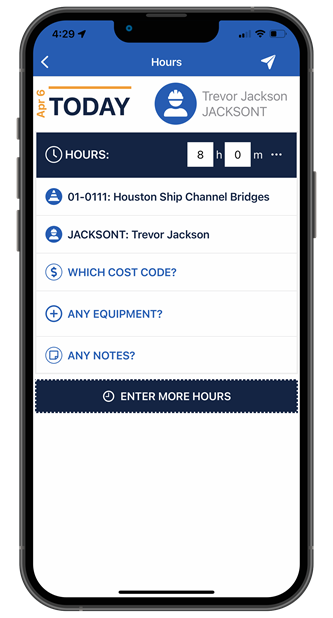
Construction time tracking software to submit hours along with detailed work information, including breaks taken, supervisor, equipment used, cost codes, and detailed notes.
One place to complete job-related tasks
Log inspections, maintenance requests, safety observations and provide crew the ability to view their skills and certifications.
See hours worked before payroll runs
Compare submitted time with edits the supervisor made within their daily time card so everyone stays on the same page.
- In-depth reporting & control for admins
- Keep the field, office, and shop connected
- Faster field time card creation
In-depth reporting and control for admins
Complete control over how field information is submitted, along with exportable custom reports, live clock event tracking, geolocation tracking, and photo upload capabilities.
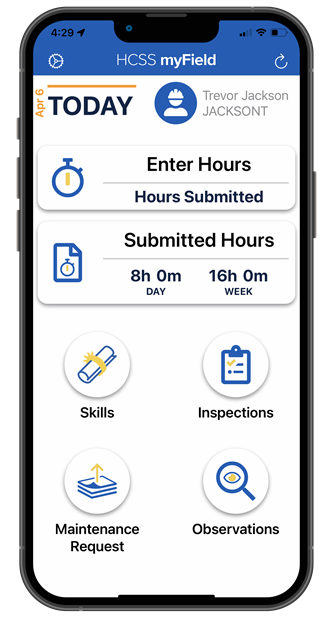
Keep the field, office, and shop connected
Allow your team to quickly communicate crucial information, such as inspections and observations, across your entire business. This will lower downtime and empower everyone to make informed, real-time decisions.
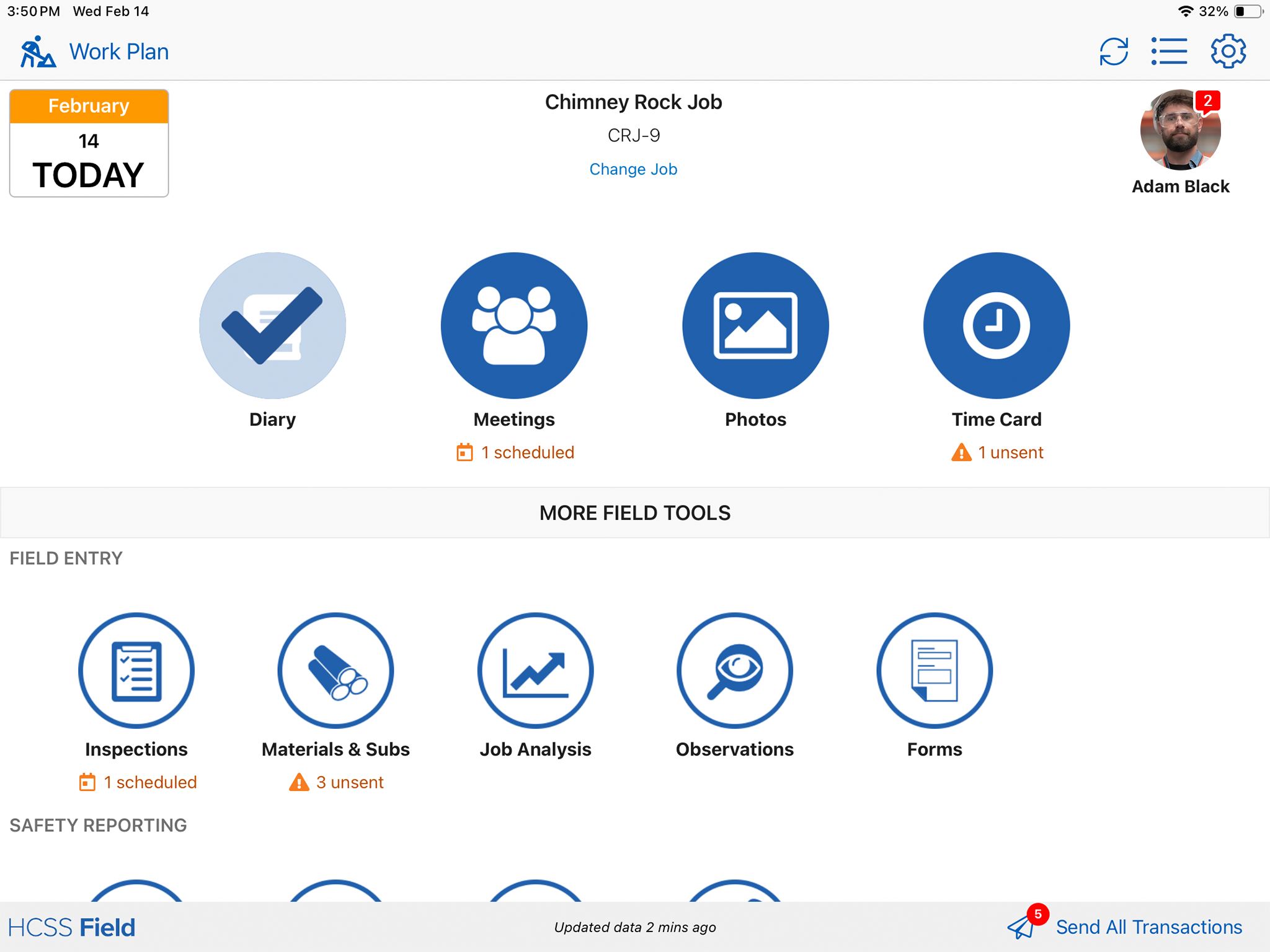
Faster field time card creation
Shifts and work information populate directly into supervisor time cards, saving vital time and ensuring greater precision on a daily basis.
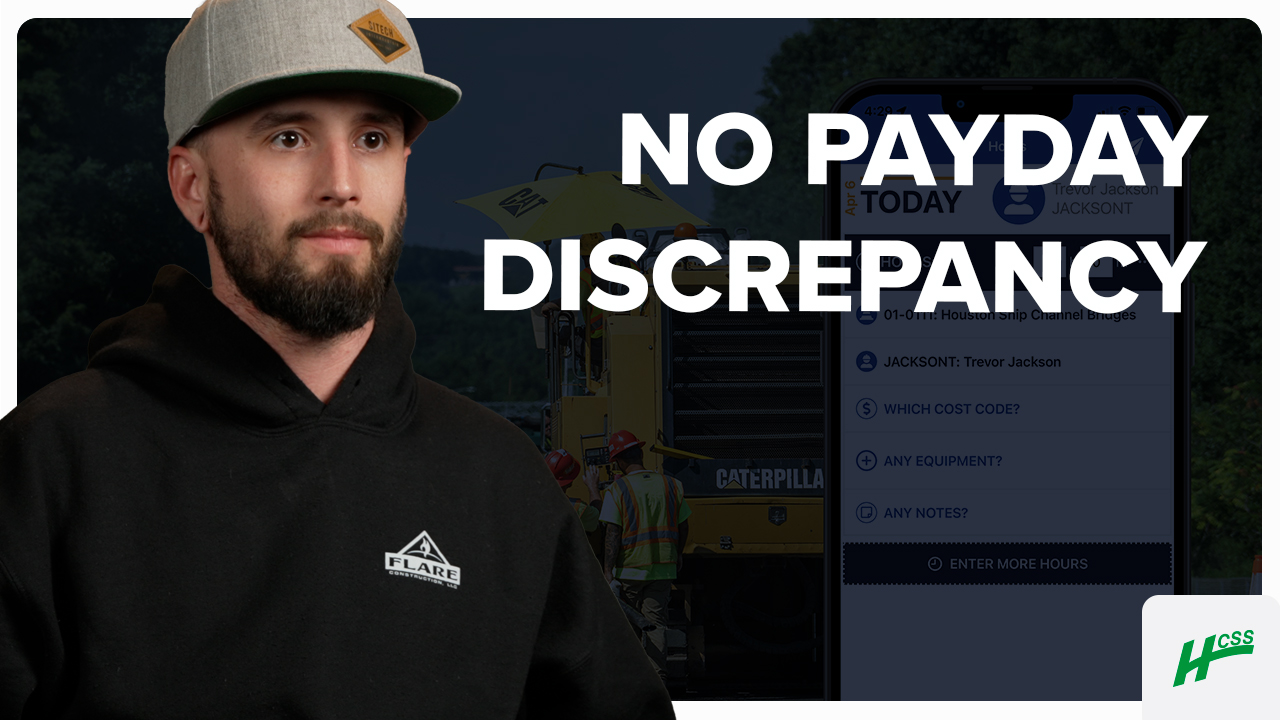
Submitting time cards digitally makes it a lot easier, so then guys can go on their phones and pull out their time and make sure that their hours are correct for the week.
- Brice Julian, Flare Construction
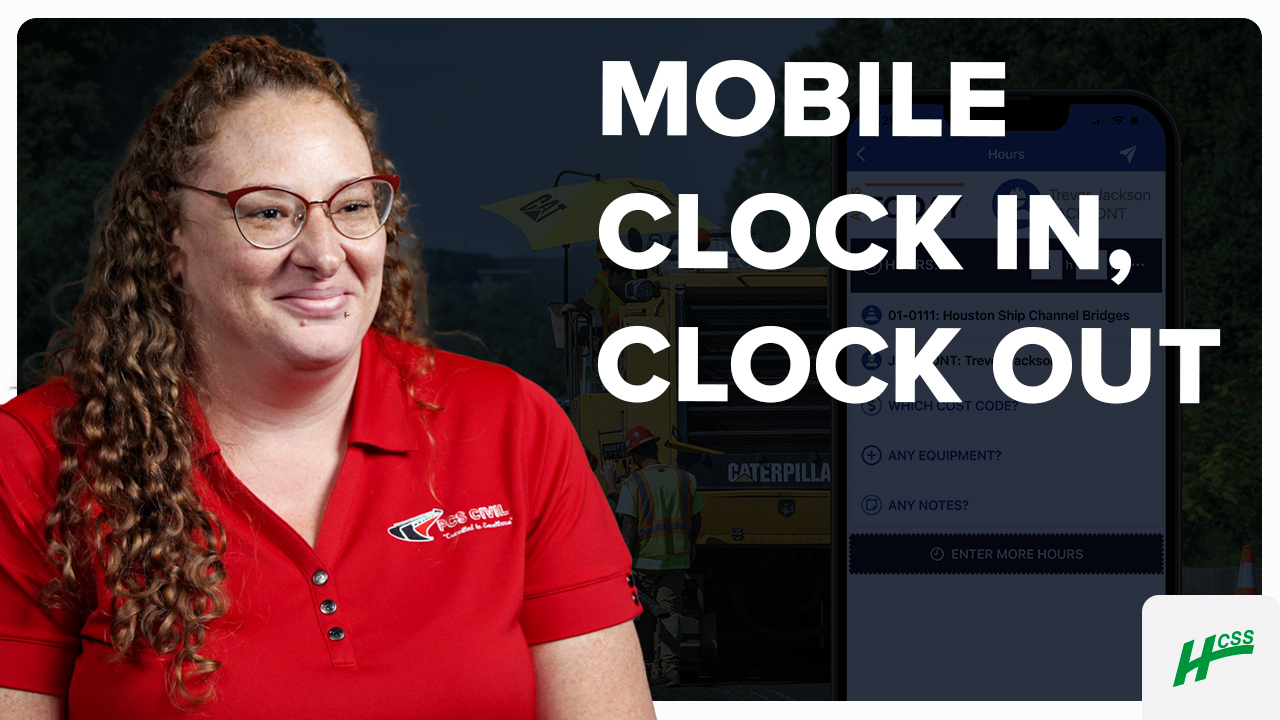
Drivers have company cell phones and we installed the app on their devices, and that’s how they clock in and clock and out every day.
- Ashley Mayle, PCS Civil Inc.
95%
of HeavyJob projects come in under budget
102,000
active HeavyJob users
9.4/10
average user rating
Always-on support.
Always human.
- Guided implementation to get your team up and running faster.
- Award-winning 24/7/365 support from our Sugar Land, TX office.
- Dedicated Customer Success rep to guide you beyond go-live.
- Ongoing training through HCSS Academy and HCSS community.
Empower your teams to log their hours and tasks with a time tracking app
Step 1
Share your business headaches
After submitting a demo request form, an HCSS expert will follow up with you by the end of the next business day to discuss your business needs and requirements.
Step 2
See HCSS in action
Then, we’ll walk you through a demo tailored to specific HCSS solutions that can help solve your current business problems.
Step 3
Get up and running in days
Finally, you’ll be assigned a dedicated implementation specialist who will manage your implementation from start to finish and ensure project completion.
The most accurate time tracking tool for the construction industry.
Request a demo


Frequently asked questions
What is HCSS myField and how does it work?
HCSS myField is a mobile app that makes it easy for construction crews to track their time and complete everyday field tasks from their phones. Employees can clock in or submit hours, add work details such as cost codes, equipment, breaks,notes, and log inspections, maintenance requests, and safety observations. For organizations with Resource Planner crew members can view their upcoming schedule as well. Submitted time flows to supervisors for review in HeavyJob before payroll is processed.
How does HCSS myField speed up the field tracking process?
Instead of verbally communicating with the foreman, crew members can directly clock in or submit their own time and information about what they worked on that day. Once submitted, it is automatically sent to their foreman for review and editing in today’s time card. Crew members can do more than just submit their time; they can also quickly log inspections, maintenance requests, and safety observations.
What’s the difference between myField and HeavyJob?
myField is the employee-facing mobile app that works with HeavyJob. Crew members use myField to submit their own time and field information, while foremen, project managers, and office teams use HeavyJob to review time cards, track job costs and production, manage daily operations, and connect field data with other business systems.
How do construction crews submit time from their phones?
Crew members can use myField on their phones to clock in and out or submit their work hours directly from the field. They can also include details such as breaks, cost codes, equipment used, supervisor, and notes, giving the office more complete information without relying on paper timesheets or end-of-day verbal updates.
Can foremen review and edit crew time before it goes to payroll?
Yes. Once an employee submits time through myField, it is sent to the supervisor’s daily time card in HeavyJob for review and editing. Supervisors can compare the employee’s submitted hours with any changes before the time is sent downstream, helping improve payroll accuracy and reduce timecard disputes.
How does myField work with HeavyJob, payroll, and accounting systems?
Time and work information entered in myField flows into HeavyJob, where supervisors and office teams can review and manage it before payroll. HeavyJob can then connect approved field data with supported payroll and accounting systems, helping reduce duplicate entry and keep labor information consistent from the field to the office.
Can myField track where employees clock in and out?
myField includes live clock event tracking and geolocation tracking, giving administrators greater visibility into when and where employees record their time. This can help contractors verify time entries and improve accountability while still keeping the time-tracking process simple for field crews.
Can employees use their own phones with myField?
Yes. myField can be used on individual mobile devices, allowing employees to enter time and complete field tasks without sharing a foreman’s device. Contractors can use the app on employee-owned or company-provided devices based on their own mobile-device policies.
Does myField work offline on jobsites with poor or no cellular service?
Yes. The myField app is designed to keep crews working even when cellular service is unavailable. Employees can continue using the app while offline, and once service is restored, the data will automatically sync with HeavyJob. This helps crews keep field information moving without having to wait for a reliable connection.
Didn’t get all of your questions answered?
Request infoCurious if HCSS myField is the right fit for your business?
Chat with us to see the software in action!
Once you fill out the form, we’ll connect with you to answer your questions and help you decide if HCSS is the right software for you. Then, we’ll create a personalized demo tailored to your needs to show how HCSS myField can help solve your most pressing business problems around time tracking.
